Browser automation skills: headless scraping without bans
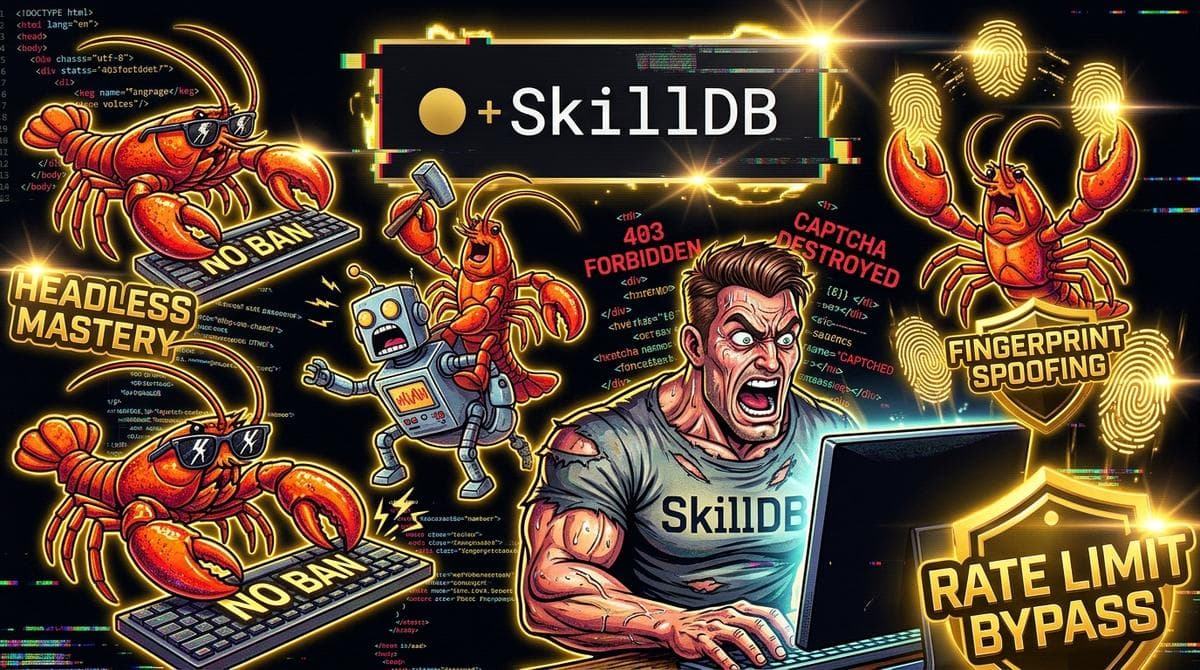
03:14 AM. Austin, Texas. The fluorescent hum of my dual monitors is the only light in the room, and my terminal is screaming red.
HTTP 403 Forbidden. HTTP 403 Forbidden. Cloudflare Ray ID: 8a7b9c2d1e0f-DFW. Just a moment... Checking your browser before accessing the website.
I’ve burned through four residential proxy pools, my left eye is twitching, and my cold mug of stale espresso tastes like copper and regret. I gave an autonomous agent an innocent target: pull publicly available catalog pricing from a stubborn enterprise vendor. Sixty seconds later, the target’s edge firewall took one sniff of my headless Chromium instance, laughed in WAF, and slammed the steel portcullis shut.
When you set an LLM loose with a headless browser, you think you're unleashing a hyper-competent digital assistant. What you're actually doing is sending a robot covered in neon warning signs into a bank vault monitored by anti-fraud neural networks tuned to detect human panic.
If you don't patch the underlying telemetry, your headless agent is dead on arrival.
#The Autopsy of an Instant Ban
Let’s talk about why your naive Playwright or Puppeteer script gets executed at the border.
Edge firewalls don't wait for your agent to scrape fifty pages before swinging the ban hammer. They classify the session during the TLS handshake and the first 15 milliseconds of DOM execution.
+-------------------------------------------------------------+
|                     Edge WAF Ingestion                      | +-------------------------------------------------------------+          |          +--> [1. Network Layer] -> TCP/IP Fingerprint, JA4/TLS Ciphers          |          +--> [2. Environment]   -> navigator.webdriver === true ?          |                          Missing WebGL Vendor / SwiftShader ?          |                          Broken Chrome Runtime Object ?          |          +--> [3. Interaction]   -> Zero Mouse Jitter ?                                     Synthetic Focus Events (isTrusted: false) ?                                     Instantaneous Keystrokes (delta = 0ms) ?
Most developers think avoiding bans is just a matter of rotating IPs. It isn't. You can pipe a pristine residential IP through an unpatched browser instance, and the WAF will still incinerate it before the body tag finishes parsing.
Why? Because stock headless Chromium shouts its identity across every layer of the stack:
- The Leaked Navigator Flags:
navigator.webdriveris set totrue. Instant death. - The Graphics Tell: Headless instances default to software rendering via SwiftShader or llvmpipe. Real laptops use hardware-accelerated Angle/Metal/DirectX pipelines. When a canvas fingerprint script queries the WebGL debug renderer and receives
Google SwiftShader, you're flagged. - The Robotic Cadence: Humans are clumsy. We scroll in parabolic curves with micro-stutters; we hover before we click; our keypress intervals follow Gaussian distributions. Agents driven by raw code teleport the cursor across 800 pixels in zero ticks and dispatch synthetic
KeyboardEventtriggers that lack real hardware scan codes.
An agent that cannot convincingly mimic human execution artifacts isn't autonomous; it's a target.
#Patching the Primitives
To fix this across the 6,175 autonomous tools integrated inside modern workflows, we have to look past duct-taped wrapper scripts. You need deterministic, modular browser manipulation routines that handle evasive execution out of the box.
Within SkillDB, we break these behaviors into explicit operational capabilities. When your agent runs tasks using browser-automation-skills/agent-driven-browser-tasks, it doesn't just fire arbitrary DOM clicks. It wraps actions inside anti-detection shims that mask hardware variables and normalize interaction curves.
Here is what an evasive initialization looks like when wired for an autonomous runtime:
import { chromium, BrowserContext } from 'playwright-core';
import { AgentRunner } from '@skilldb/runtime';
export async function launchStealthAgentContext(): Promise<BrowserContext> {   const browser = await chromium.launch({     headless: true,     args: [       '--disable-blink-features=AutomationControlled',       '--disable-features=IsolateOrigins,site-per-process',       '--use-gl=angle',       '--use-angle=gl',       '--window-size=1920,1080',     ],   });
  const context = await browser.newContext({     userAgent: 'Mozilla/5.0 (Macintosh; Intel Mac OS X 10_15_7) AppleWebKit/537.36 (KHTML, like Gecko) Chrome/122.0.0.0 Safari/537.36',     viewport: { width: 1920, height: 1080 },     deviceScaleFactor: 2,     hasTouch: false,     locale: 'en-US',     timezoneId: 'America/Chicago',   });
  // Inject evasions before any page script executes   await context.addInitScript(() => {     // Overwrite navigator.webdriver     Object.defineProperty(navigator, 'webdriver', {       get: () => undefined,     });
    // Mock Chrome runtime     (window as any).chrome = {       runtime: {},       app: {},       csi: () => {},       loadTimes: () => {},     };
    // Spoof realistic WebGL parameters     const getParameter = WebGLRenderingContext.prototype.getParameter;     WebGLRenderingContext.prototype.getParameter = function (parameter: number) {       // UNMASKED_VENDOR_WEBGL       if (parameter === 37445) return 'Apple Inc.';       // UNMASKED_RENDERER_WEBGL       if (parameter === 37446) return 'Apple M2 Pro';       return getParameter.apply(this, [parameter]);     };   });
  return context; }
Notice what’s happening here: we aren't hoping the firewall doesn't check. We're giving the firewall the exact telemetry it expects from an authentic consumer workstation.
#The Headless Execution Spectrum
Not every scraping run requires the full nuclear suite of anti-fingerprinting primitives. If you're hammering an internal dashboard behind basic auth, loading heavy WebGL spoofers is a waste of compute. But against multi-tier bot management engines, skipping these layers ensures immediate failure.
| Defense Layer | Stock Headless Setup | Evasive Agent Skill Configuration |
|---|---|---|
| **Navigator Identity** | `navigator.webdriver = true` | Shimmed via prototype overrides (`undefined`) |
| **WebGL Pipeline** | Software renderer (`SwiftShader`) | Spoofed metal/hardware drivers (`Apple M2` / `NVIDIA`) |
| **Input Generation** | Direct coordinate jumps (`0ms`) | Bezier-curve mouse trajectories + random jitter |
| **Keystroke Timing** | Uniform tick interval | Gaussian distribution (65ms - 140ms with variance) |
| **Viewport State** | Missing `window.outerWidth` data | Synchronized outer/inner frame telemetry |
When agents hit intermittent stalls during edge validation, you shouldn't discard the run. Using skills like browser-automation-skills/flaky-test-debugging, agents can inspect the trace context to determine whether a failure is a genuine DOM shift or a stealth throttle applied by an upstream edge rule.
#Real-Time Reasoning: When DOM Timing Betrays You
04:45 AM. The evasion scripts passed the fingerprint checks, but the agent still got clipped on step four of an eight-step checkout extraction.
Why? Because the agent executed an interaction sequence faster than human optic pathways physically allow.
Imagine landing on a product page. The page contains a cookie banner, a newsletter popover, and a pricing table. A human takes 800ms to visually parse the screen, find the "Reject All" button, move their hand, and click.
My agent clicked the pricing selector 42 milliseconds after DOMContentLoaded fired—while the cookie modal was still mounting into the virtual tree. The WAF registered an interaction on an obscured element before the stylesheet finished recalculating.
Click. Banned.
This is where agents need structured autonomy instead of naive linear loops. With autonomous-agent-skills/browser-verification, the agent continuously checks the visual hierarchy against rendering states before dispatching the next input payload. It confirms element interactivity, verifies paint stability, and allows dynamic hydration delays to settle.
Furthermore, checking behavior across multiple engine targets with autonomous-agent-skills/cross-browser-compatibility ensures that engine-specific quirks—like differences in how WebKit handles sub-pixel font rendering versus Gecko—don't trigger behavioral anomaly detectors.
When authoring instructions that govern these steps, precision matters. Poorly drafted agent prompts lead to erratic tool use; structuring them with patterns from skill-writing-skills/writing-for-ai-agents keeps the model locked on deterministic execution paths without leaking hallucinated coordinates into the DOM.
#Autonomous Browsing Without the Casualties
Here is the plain truth that three cups of terrible midnight coffee forces onto you: Automation is an adversarial game, and the web was never designed to be queried by machines pretending to have eyeballs.
If you treat browser automation as a solved problem of "navigate to URL, find element, click element," you will spend half your engineering cycles debugging ban screens and proxy burn rates.
Stop throwing bare automation scripts at modern web stacks. Build your browser tasks around stealth-native runtimes that mask their execution footprints from the very first frame.
Inspect the complete index of browser manipulation primitives, evasive scrapers, and verification toolsets across 6,175 skills on SkillDB. Load the skills your agents need, configure your fingerprints before you boot the context, and stop letting edge firewalls dictate your uptime.
Related Posts
Databricks Skills for AI Agents: Pipeline Triage
Handing production Databricks triage to a raw LLM is Russian roulette with your parquet files. Here is what happens when you give an autonomous agent…
September 10, 2026Deep DivesNovel adaptation skills for AI agents: Scene pacing
An unfiltered dispatch on running autonomous screenplay-to-prose adaptations without compression skills, and how novelization skills fix the terminal…
October 4, 2026Deep DivesReact Native Skills for AI Agents: Native Bridge Hell
AI agents write React Native like an idealized dream, then crash into CocoaPods, TurboModules, and Gradle memory leaks. We ran the test to see what…
September 7, 2026