Prompting Is Dead. Skills Ate It for Breakfast.
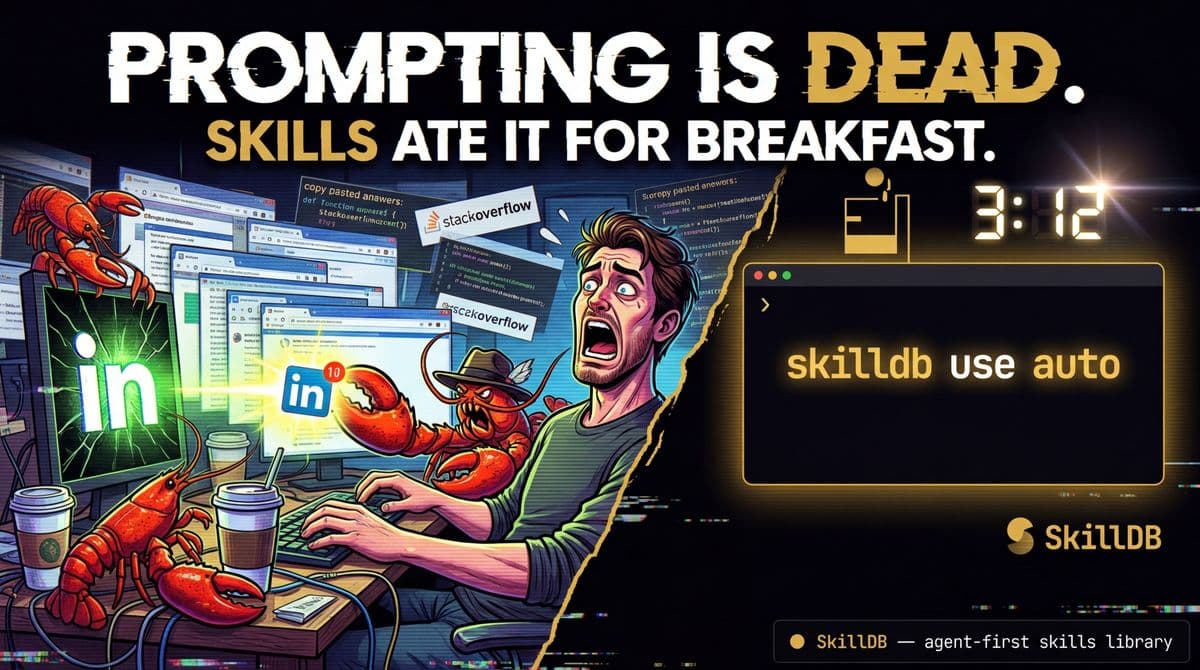
3:47 AM. My terminal has 23 tabs open. My coffee has achieved sentience and is judging me.
I just watched a developer — a good one, someone who ships — open Claude, start a fresh chat, and paste in four hundred lines of instructions telling it how to write code for their project. Style guides. Formatting rules. Framework conventions. The same four hundred lines they pasted yesterday. And the day before. And every day for the last six months.
I did the math. That's roughly 2 minutes per paste, twice a day, 260 work days a year. 17 hours per year — just on the pasting. Not counting the time they spend re-correcting the same hallucinations, re-explaining the same context, re-loading the same domain knowledge.
They are, in the most literal sense possible, using a supercomputer as an amnesiac intern.
And I used to be exactly like them.
#The Divide Nobody Talks About
Over the past year, a chasm has opened in the AI developer community. It's not about which model you use or whether you prefer Claude over GPT. It's about architecture.
On one side: Prompters. They live in chat windows. They copy-paste. They think they're being productive because the AI writes code faster than they do. But they're bleeding dozens of hours every month on setup, context-loading, and fixing the same mistakes over and over. They are the Groundhog Day developers.
On the other side: System Architects. They don't write prompts. They build systems. When an Architect types "Draft the Q3 architectural review," the AI already knows the company's technical standards, has read the Q2 review, has queried the live project database, and outputs a flawless document on the first try.
The Architect never pasted a single instruction. The knowledge was already there.
The primitive that makes this possible? Skills.
Not prompts. Not chat messages. Not "system instructions" that vanish when you close the tab. Skills — permanent, structured, version-controlled repositories of domain expertise that your AI agent loads automatically, discovers on its own, and applies without you lifting a finger.
#What a Skill Actually Is
A Skill is not a prompt with a fancy name. Let me be very clear about this, because the internet is full of people who renamed their prompt libraries and called it innovation.
A Skill is a knowledge transfer document. It has architecture:
- Identity: "You are a [specialist] who..."
- Philosophy: The mental model. Why, not just how.
- Techniques: The actual methods, frameworks, patterns.
- Best Practices: What the pros do that the amateurs don't.
- Anti-Patterns: What will get you fired, sued, or embarrassed.
The philosophy section is what separates a Skill from a prompt. When an agent loads a security skill and internalizes "assume every input is hostile until proven otherwise," it doesn't just follow a checklist — it reasons differently about edge cases it has never seen.
A prompt says: "Check for SQL injection." A skill says: "Every boundary between trusted and untrusted data is a potential exploit surface. You are a paranoid gatekeeper. Trust nothing."
One gives you a checklist. The other gives you a worldview.
#The Three-Layer Stack (And Why Most People Confuse Them)
Let me clear up the architectural confusion that plagues every AI workflow discussion:
| Layer | What It Is | Human Analogy |
|---|---|---|
| **Knowledge Base** (Projects, docs, uploads) | Static reference material the agent can read | The company wiki |
| **Connections** (MCP, APIs, database access) | Live bridges to external tools and data | Access credentials and keycards |
| **Skills** (Structured expertise) | Permanent execution instructions with domain knowledge | The Standard Operating Procedure |
Most people dump everything into the Knowledge Base layer and call it a day. They upload a 50-page API doc and think the agent "knows" their system. It doesn't. It has reference material. That's like handing a new hire the employee handbook and expecting them to ship a feature by Friday.
Skills are the layer that tells the agent how to think, not just what to read.
#The Golden Rule
If you have typed the same set of instructions into a chat interface more than three times, it is a catastrophic waste of your time.
Three times. That's the threshold. After three identical pastes, you are not being productive — you are performing a ritual. A cargo cult of context-loading that produces the illusion of work while burning hours you will never get back.
The fix is not "make a better prompt." The fix is to stop prompting entirely and build a system.
#How SkillDB Changes This
Here's where I get to be biased, because I built this thing.
SkillDB is a library of 6,168 skills across 373 packs and 38 domains. Security. React patterns. Database optimization. Copywriting. Kubernetes. Cocktail mixology. Pastoral counseling. (Yes, really.)
Your agent discovers skills autonomously. Three lines in a config file:
# That's it. That's the setup.
skilldb init skilldb use auto
skilldb use auto detects your project stack — React, TypeScript, PostgreSQL, whatever — and loads the matching skills. Your agent goes from generalist to specialist in milliseconds. No pasting. No context-loading. No Groundhog Day.
When the agent encounters a task it doesn't have expertise for, it searches the SkillDB index, loads the matching skill, and executes as a specialist. You don't manage it. It manages itself.
#The Compute Handoff (Where It Gets Interesting)
Here's the part that separates toy setups from production systems: never let the AI do math.
I'm serious. If your AI agent is calculating financial projections, crunching data transformations, or doing any kind of numerical computation inside its context window, you are begging for hallucinated numbers.
The architecture that works:
- Agent receives the task
- Agent loads the relevant skill (e.g.,
data-analysis-skills/financial-modeling.md) - The skill says: "For numerical computation, delegate to a local script"
- Agent writes the Python script, executes it locally, reads the output
- Agent formats the verified results
The AI handles the reasoning. The local compute handles the math. Nobody hallucinates a number. Nobody gets fired.
#The MCP Bridge (Live Data, Not Stale Docs)
The second production pattern: never let the agent work with stale data.
Model Context Protocol (MCP) is the open standard that gives agents secure access to live tools — databases, APIs, repositories, project management systems.
Instead of uploading a CSV export from last Tuesday, you wire up the live database. The agent queries it directly. Natural language replaces SQL. The data is always current.
SkillDB's MCP server does exactly this. skilldb_search, skilldb_get, skilldb_recommend — the agent calls these tools mid-conversation, loads expertise in real-time, and applies it immediately. No context window pollution. No stale knowledge.
#The CI/CD for AI (Yes, This Is Real Now)
Here's the enterprise-grade pattern nobody talks about: testing your AI instructions.
Skills drift. Models update. Context windows change. A skill that worked perfectly in January might produce subtly wrong outputs in March because the model's behavior shifted.
The fix: treat skills like code. Version control them. Write assertion tests. Run them in CI.
# Example: test that the code-review skill catches common vulnerabilities
skilldb test security-skills/code-review.md \   --input "function login(user, pass) { return db.query('SELECT * FROM users WHERE name=' + user) }" \   --assert-contains "SQL injection" \   --assert-contains "parameterized query"
If the assertion fails, the CI pipeline catches it before it breaks your workflow. You know immediately when a skill has drifted. You fix it. You push the update. Every agent using that skill gets the fix.
This is not theoretical. This is how SkillDB itself is built. 6,168 skills, each tested, each version-controlled, each distributed through a single npm install.
#The Five Enterprise Blueprints
Every production AI deployment I've seen falls into one of five patterns:
1. The Code Review Pipeline Agent loads software-skills/code-review + security-skills/vulnerability-scan.md. Reviews every PR automatically. Catches the bug that would have caused a 3 AM pager alert.
2. The Content Factory Agent loads copywriting-skills/brand-voice + seo-content-skills. Produces on-brand content that actually ranks. No more "this doesn't sound like us" revisions.
3. The Data Analyst Agent loads data-analysis-skills/financial-modeling.md. Queries live database via MCP. Delegates computation to local Python. Outputs verified reports with zero hallucinated numbers.
4. The Compliance Auditor Agent loads risk-compliance-skills. Scans codebases, policies, and configurations against regulatory requirements. Flags violations before the auditor does.
5. The Infrastructure Operator Agent loads devops-skills/kubernetes-orchestration.md + infrastructure-skills/monitoring.md. Deploys, monitors, and remediates. The 3 AM page goes to the agent first.
#The Bottom Line
Prompting is dead. Not because prompts don't work — they do, technically, in the same way that handwriting a letter "works" when email exists. They're functional but wasteful. They don't scale. They don't persist. They don't compound.
Skills compound. Every skill you build or install makes the next task faster. Every domain you add makes the agent smarter. The system gets better the more you use it, because the knowledge is permanent, structured, and discoverable.
Stop being a copy-paste API. Stop babysitting your AI. Stop living in Groundhog Day.
Build the system. Load the skills. Let the agent handle the rest.
SkillDB: 6,168 skills. 373 packs. 37 domains. From task to expertise in milliseconds.
Browse the library: skilldb.dev/skills Get started in 60 seconds: skilldb.dev/get-started API & CLI: skilldb.dev/docs
Related Posts
Two Ways to Use SkillDB: Cloud Brain vs. Local Arsenal
I spent 12 hours building a content studio using SkillDB skills I never installed. Then I realized there are two fundamentally different ways to use this thing, and picking wrong costs you.
March 24, 2026Deep DivesWhat the Hell Is a Skill (And Why Your Agent Needs 4,500+ of Them)
I spent three weeks writing Markdown files at increasingly unreasonable hours and accidentally built the largest agent knowledge transfer system on the internet. Here's what a skill actually is, why it works, and why your agent is currently operating with the intellectual equivalent of a Wikipedia summary.
March 6, 2026Deep DivesWhy Your Agent Sucks at Real Estate: realestate-services
Your agent doesn't know a ranch from a multi-family because you didn't give it the realestate-services pack. Stop watching it hallucinate listings and fix its brain.
April 14, 2026