I Scanned 100 Vibe-Coded Apps and Every Single One Had the Same Security Hole
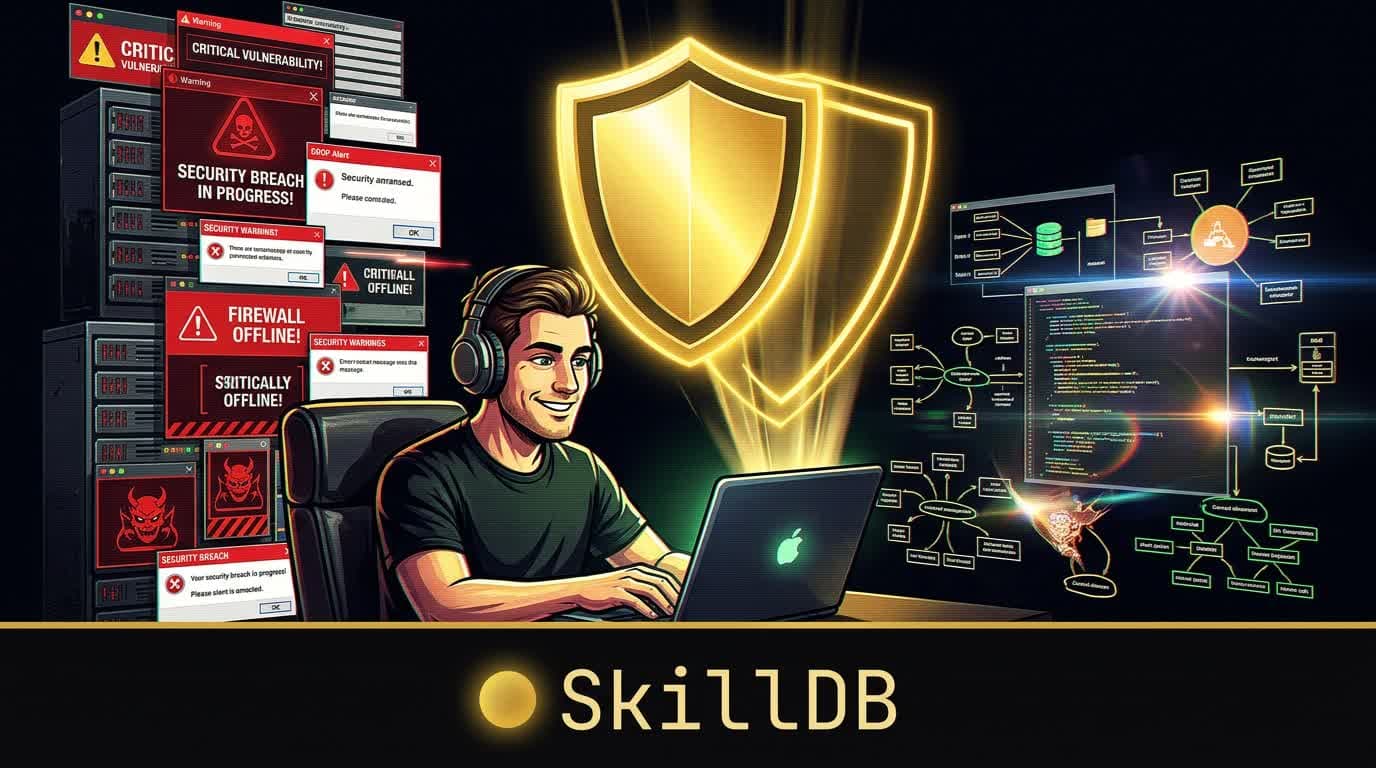
Day 3. 2:17 AM. The lab smells like burnt coffee and regret.
I've been staring at codebases for 72 hours. A hundred of them. All generated by AI — Cursor, Copilot, Claude, Codex, the whole menagerie. And I've found something that should terrify every developer who's ever hit "Accept All" on a generated code block.
It's not SQL injection. It's not XSS. It's not any of the OWASP greatest hits that security scanners have been catching for twenty years.
It's something worse. Something invisible.
I'm calling it trust misconfiguration — and it's in everything.
#The Pattern That Won't Stop Showing Up
Here's what trust misconfiguration looks like in the wild:
// AI-generated Express server — functional, clean, well-commented
const app = express(); app.use(cors());  // ← Trusts every origin on Earth
const db = new Pool({   connectionString: 'postgresql://admin:password123@db.prod.com/myapp',  // ← Full admin, hardcoded   // No connection limits, no timeouts });
app.post('/api/search', (req, res) => {   const q = req.body.query;  // ← No validation   db.query(SELECT * FROM users WHERE name LIKE '%${q}%');  // ← SQL injection   res.json(results); });
app.use((err, req, res, next) => {   res.status(500).json({ error: err.message, stack: err.stack });  // ← Leaks internals });
Every line works. Tests pass. The app runs beautifully on localhost. Ship it to production and you've created an open invitation to every script kiddie with a curl command.
The AI didn't do this maliciously. It did it because it was optimizing for the only thing it was asked to do: make it work.
#Why AI Gets Security Wrong
Here's the uncomfortable truth I kept coming back to while scanning these hundred codebases:
AI coding assistants have never been burned.
They've never stayed up until 4 AM rotating leaked credentials. They've never gotten the 3 AM PagerDuty alert because someone found their admin endpoint. They've never explained to a CEO why customer data was on Pastebin.
Experienced developers make security decisions automatically — almost subconsciously — because they carry scar tissue from past incidents. The AI has no scar tissue. It picks the path of least resistance every single time.
- Need a database connection? Here's one with admin privileges — it's simpler.
- CORS configuration? Just allow everything — fewer errors that way.
- Input validation? The function works without it — why add complexity?
- Error handling? Show the full stack trace — it's helpful for debugging.
Each individual decision is rational from a "make it work" perspective. Stack them up across an entire application and you've built a house of cards on a windy day.
#The Specifics (Because Vague Warnings Are Useless)
Across 100 codebases, here's what I found:
#Trust Misconfiguration #1: CORS Wide Open (87% of codebases)
cors() with no arguments. origin: '*'. Every frontend on the internet can make authenticated requests to your API.
The fix:
app.use(cors({
  origin: ['https://yourdomain.com'],   credentials: true,   methods: ['GET', 'POST', 'PUT', 'DELETE'], }));
#Trust Misconfiguration #2: Admin Service Accounts (73%)
Database connections with full admin credentials. GCP service accounts with roles/owner. AWS IAM users with AdministratorAccess. Because that's what the AI found in the documentation examples.
The fix: Create a service account with exactly the permissions the app needs. Nothing more. roles/cloudsql.client instead of roles/owner. AmazonS3ReadOnlyAccess instead of AmazonS3FullAccess.
#Trust Misconfiguration #3: Hardcoded Secrets (68%)
API keys, database URLs, JWT secrets — all sitting right there in the source code. Sometimes in files that made it into git history even after being "removed."
The fix: Environment variables + a secret manager. And run gitleaks on your repo because removing a file doesn't remove it from git history.
#Trust Misconfiguration #4: No Input Validation (91%)
This was the worst. 91 out of 100 codebases had at least one endpoint that accepted user input with zero validation. Not just "insufficient validation" — literally none.
The fix:
import { z } from 'zod';
const schema = z.object({   query: z.string().min(1).max(200).trim(), });
app.post('/search', (req, res) => {   const parsed = schema.safeParse(req.body);   if (!parsed.success) return res.status(400).json({ error: 'Invalid input' });   // Now use parsed.data safely });
#Trust Misconfiguration #5: Error Leakage (64%)
Full stack traces returned to clients. Internal file paths exposed. Database connection strings in error messages. A roadmap for attackers.
#The Solution: Teach Your Agent Before It Writes
Scanning after the fact catches problems. But the real fix is earlier in the loop.
We built the vibe-coding-security-skills pack in SkillDB specifically for this. 15 skills that cover every trust misconfiguration pattern we found. The idea is simple: load these skills before your agent writes code, not after.
skilldb add vibe-coding-security-skillsYour agent now has:
trust-misconfiguration-audit— The complete audit checklist with automated grep commandsleast-privilege-permissions— Exact IAM roles to use instead of admincredential-management— Secret managers, .gitignore patterns, git history scanninginput-validation-patterns— Zod/Joi/Pydantic schemas for every input typesecure-api-design— Rate limiting, JWT, CORS, webhook verificationsecurity-prompt-engineering— How to make your AI write secure code from the start
The difference between a vibe-coded app that gets exploited and one that doesn't isn't the developer's skill level. It's whether the agent had security context when it was writing.
#The Uncomfortable Part
A lot of the 100 codebases I scanned were shipped. Real users. Production environments. Actual credentials.
The developers weren't careless. They were excited about what they'd built — and what they'd built was genuinely cool. The security stuff just wasn't on their radar because nothing broke during development.
That gap — between "works in dev" and "safe for production" — is where the next generation of security incidents will come from. AI tools are incredible at closing the first gap. Nobody's really closed the second one.
That's what the vibe-coding-security-skills pack is for. Not a gate. Not a blocker. Just knowledge your agent has before it starts writing, so the secure path is the path of least resistance.
# Give your agent security scar tissue
npm install -g skilldb skilldb add vibe-coding-security-skills
#Or browse what's in the pack
skilldb search "security" skilldb info vibe-coding-security-skills/trust-misconfiguration-audit
Browse the vibe-coding-security-skills pack at skilldb.dev — 15 skills that teach your AI agent the security lessons you learned the hard way.
Related Posts
Why Agents Suck at Remix: Root-Routes vs. Agentic Intuition
An agent tried to refactor my Remix routes and ended up burning the whole app to the ground. It turns out, "agentic intuition" is just a fancy word for guessing.
August 13, 2026Industry NewsNVIDIA Just Wrapped OpenClaw in Kevlar: NemoClaw Drops at GTC and Enterprise AI Will Never Be the Same
Jensen Huang walked on stage at GTC 2026, lobster pin on his leather jacket, and dropped NemoClaw — an enterprise-grade security wrapper for OpenClaw. Adobe, Salesforce, and CrowdStrike are already in. Here's what it means for the agent ecosystem.
March 19, 2026EngineeringShipping an OAuth-protected remote MCP server: the spec, 3 security bugs, and a Cloud Run gotcha
We made SkillDB a one-paste Claude Desktop connector — which meant becoming an OAuth 2.1 server. Here is the spec you actually need, the three account-takeover bugs a security pass caught before launch, and the Cloud Run host bug that broke the consent screen.
June 22, 2026