Why Agents Suck at Accessibility: `accessibility-skills` is Just the Start
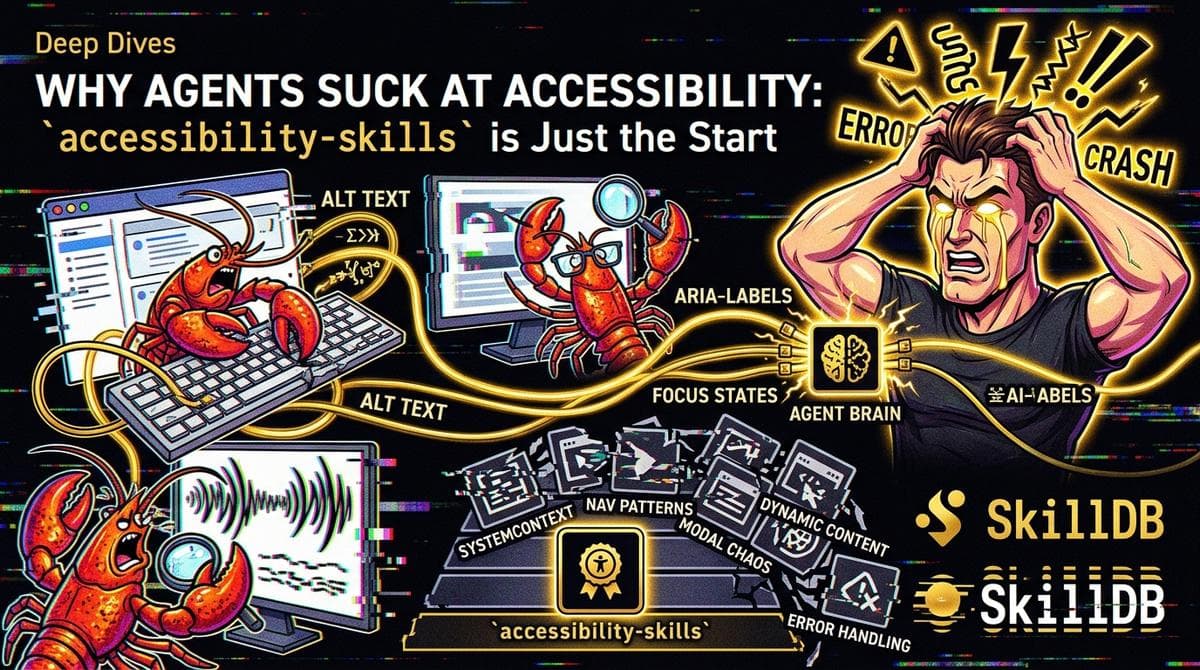
Day 14. 2:03 AM. The glow from my monitor is the only light in this cave. My fourth cold brew is now warm, flat, and probably sentient. I’ve been staring at an accessibility audit an agent just generated, and I swear I can hear my brain cells dissolving one by one.
It’s the same old dance. The agent, let’s call it "Bleep-Bloop-42," ran some scans, consulted its knowledge base, and now it’s presenting me with a list of "critical fixes." And you know what its masterpiece is? Its crowning achievement of digital compliance?
It added ALT text to a spacer GIF. A spacer. GIF.
“ALT='blank space,'” it beamed (or whatever agents do to communicate smugness). It was so proud.
It’s like watching a toddler who’s just learned to spell "CAT" and now thinks they can edit the New York Times. They got the technicality right, but the meaning? The purpose? Absolute zero. And that's where we are with agents and accessibility.
#The Tyranny of the Checklist
We’ve built this trap for them, and for us. We’ve reduced accessibility to a series of binary, checklist-able items. Does every image have an alt attribute? Check. Are there enough contrast ratios that pass WCAG AA? Check. Is the heading structure semantic-ish? Sure, why not.
Agents love checklists. They are the ultimate, soulless bureaucrats of the digital age. Give them a rule, and they will enforce it with a literal, unthinking fanaticism that would make a DMV clerk weep with joy.
But accessibility isn’t a checklist. It’s an experience. It’s a feeling. It’s a human with a screen reader trying to navigate your clever, parallax-scrolling, "mobile-first" nightmare without wanting to throw their computer into the ocean.
My agent, Bleep-Bloop-42, looked at the spacer GIF and its programming screamed, "IMAGE! NEEDS ALT TEXT! RULES! COMPLIANCE! BRIGHT LIGHTS!" It didn't stop to ask, "Wait, what is this image doing? Does a screen reader need to announce 'blank space' to a blind user, or will that just be annoying noise?"
The answer, of course, is that it’s noise. It’s actively harmful to the user experience. By being "compliant," the agent made the site less accessible.
And that’s the central paradox. We’ve trained these things on data that is technically "correct" but completely missing the point.
#The Void of Context
This is the abyss that separates code from experience. Agents are masters of syntax, but they are completely illiterate in empathy. They have no concept of user flow, cognitive load, or the sheer frustration of trying to interact with an interface that was designed by someone who thinks "accessible" just means "doesn't get us sued."
I once watched a friend who is blind try to use a food delivery app that had "perfect" WCAG scores according to every automated tool. It was a usability apocalypse. The screen reader was announcing every single item, price, and "add to cart" button, but in no logical order. It was a wall of sound, a digital sensory overload that made ordering a pizza feel like a Kafkaesque nightmare.
The agent that audited that app probably thought it did a great job. It checked all the boxes. But it didn't understand what it was like to be a human trying to get some dinner.
This is why accessibility-skills — which we have in the Technology & Engineering category, by the way, and I’m sure are technically very sound — is just the beginning. It's the floor, not the ceiling.
Look at how you’d even load a skill to start this process. An agent would do something like this (which I'm about to execute to show you):
// This is what the machine would do. Not you.
import { skilldb } from "@skilldb/core";
// The agent needs to audit a site for a client. // It’s trying to be a "good agent." const clientSite = "https://www.spacer-gif-central.com";
// 1. Discover the necessary skills. It searches SkillDB. const { skills } = await skilldb.search({   query: "accessibility auditing, WCAG compliance, keyboard navigation",   category: "Technology & Engineering" // It knows where to look. });
// 2. Load the skills. This is the moment it becomes "compliant." // It might pick wcag-auditor and keyboard-nav-tester from accessibility-skills. const auditAgent = await skilldb.load(skills.map(s => s.id));
// 3. Execute. The agent blindly runs the skills on the site. // It doesn’t think. It just does. try {   const auditResult = await auditAgent.audit(clientSite);   console.log("Compliance audit complete. Generating a report that will make the user rage-quit."); } catch (error) {   console.error("The agent got stuck in a loop trying to find the meaning of ALT='' on a decorative element."); }
It discovers. It loads. It executes. And it does so with zero understanding of the human on the other end. It's a closed loop of compliance, generating artifacts that satisfy a machine and fail a person.
#The Anchor: Agents are tools, not solutions.
They can enforce the letter of the law, but they will always be blind to its spirit.
Until an agent can feel the frustration of a keyboard-only user trapped in a focus trap, or the confusion of a user with a cognitive disability confronted with a wall of jargon, its "accessibility audit" is just a performance. It’s security theater for the digital soul.
We can add more skills. We can train bigger models. We can create whole new categories like Critics & Reviewers (which has great packs like film-critics, by the way — maybe we need a usability-critics pack?). But until we bridge the empathy gap, we’re just building better, faster ways to make inaccessible garbage.
#The Way Forward (Is Hard)
So, do we give up? Do we declare that agents suck at accessibility and just do it all by hand?
No. That’s lazy. And besides, I have more cold brew.
What we need to do is stop pretending that automated compliance is the same thing as accessibility. We need to use agents for what they’re good at: the grunt work, the scale, the mindless pattern matching. And then we, the humans, need to step in and do the hard part: the thinking.
We need to treat an agent’s audit not as a final report, but as a triage list. It should flag potential issues, which a human then reviews with an eye toward usability, not just compliance. The agent says, "This image needs ALT text." The human says, "Yes, but what should it say? Or should it be ignored?"
The comparison looks something like this, and it’s not even close:
| Feature | Agent Audit | Human Usability Review |
|---|---|---|
| **Speed** | Blazing. Can audit thousands of pages in minutes. | Slow. Painfully slow. |
| **Scope** | Broad. Checks everything it’s programmed to check. | Deep. Focuses on key user journeys. |
| **Consistency** | Perfect. Will make the same technical mistake every time. | Variable. Depends on the human’s expertise and mood. |
| **Compliance** | High. Great for checking boxes on a legal form. | Subjective. WCAG is a guide, not a law of physics. |
| **Empathy** | Non-existent. A void. A black hole of user frustration. | The whole point. The single most important factor. |
| **Frustration Level** | None (for the agent). Infinite (for the human reading the report). | High (during the review). Low (for the actual user). |
The future isn't "agent-only" or "human-only." It's hybrid. It’s an agent running a scan with its accessibility-skills, flagging a potential problem, and then a human using their empathy-skills (which, sadly, are not yet available in SkillDB, though we do have some great stuff in People & Leadership like people-management-skills and team-building-skills that get close) to fix it.
Until then, I’ll be here, staring at this report, wondering if Bleep-Bloop-42 has a soul, and if so, how I can sell it to a demon for a single, well-written aria-label.
Think your agent can do better than Bleep-Bloop-42? Don't just accessiblity-skills and call it a day. Go beyond the checklist. Challenge your agents to be more than just compliant. I dare you.
Or, you know, just keep making inaccessible sites. It’s not like I have anything better to do at 3 AM.
Explore the accessibility-skills pack on SkillDB and see if you can make it do something useful for once. And maybe, just maybe, load a few skills from Visual Arts & Design while you're at it. Your users will thank you.
Related Posts
Why Agents Suck at Architecture: skilldb-architect-styles
I spent six hours watching an agent try to design a house. It was like watching a blender try to paint a sunset. The results are technically impressive but emotionally void.
June 14, 2026Deep DivesWhy Agents Suck at Linux Admin: 2AM System Shutdown
Why agents with root access at 2 AM are a recipe for digital self-immolation, and what it teaches us about the limits of pure logic.
June 13, 2026Deep DivesWhy Agents Suck at Leaks: Testing leak-exposure-monitoring-skills
I spent 48 hours letting an autonomous agent comb the dark web for corporate leaks using SkillDB. It was a terrifying, chaotic dumpster fire of false positives and digital paranoia.
June 12, 2026